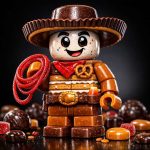
What happens when classic toy building blocks meet the candy aisle? You get this incredibly fun design concept. It takes the rigid, iconic shapes of those little brick figures we all grew up with and reconstructs them using the soft, gooey, and shiny textures of real sweets.
When creating digital art, one of the most annoying issues is dealing with weird cropping. You will often get a great character, but their head or feet are chopped out of the frame. I put this specific recipe together to stop that from happening. It pulls the camera back to give you a complete, full-body picture perfectly centered on the page. If you need clean, uncropped silhouettes for concept art, 3D printing reference, brand mascots, or packaging design, this setup works perfectly.
The lighting makes it really special. The contrast between a manufactured toy shape and edible textures like translucent gummies or hard candy is amazing. You can actually see the light passing through the sugar and gleaming off glossy glazes, making the final result look completely delicious.
Note: The showcase images displayed here were generated using GPT Image 1.5 High Fidelity to demonstrate the prompt's intricate capabilities.
Copy and paste this base prompt into your generator, replacing the bracketed sections with your desired concepts:
Use this to prevent unwanted styles, artifacts, or digital qualities that ruin the image:
Variations (Subjects & Settings)
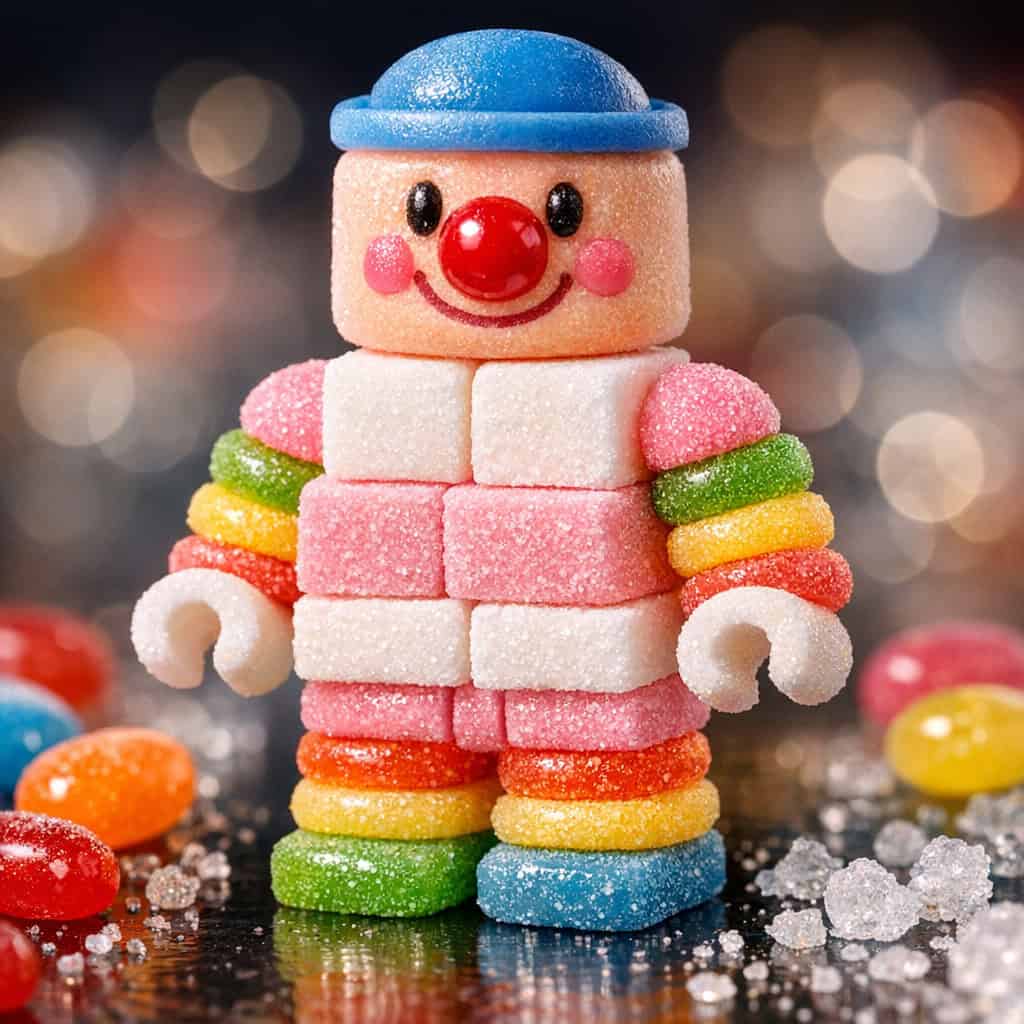
Variation 1: The Pastel Marshmallow Clown
[SUBJECT]: Cheerful clown character
[CANDY_MATERIAL]: Soft pastel marshmallows and sugar cubes
[HEAD_TEXTURE]: A glossy red hard candy cherry nose on a peach-colored marshmallow head with a blue fondant cap
[BODY_DETAILS]: Stacked white and pink sugar cubes
[LIMB_TEXTURE]: Rainbow ring gummies stacked
[SCATTERED_SWEETS]: Jelly beans and sugar crystals
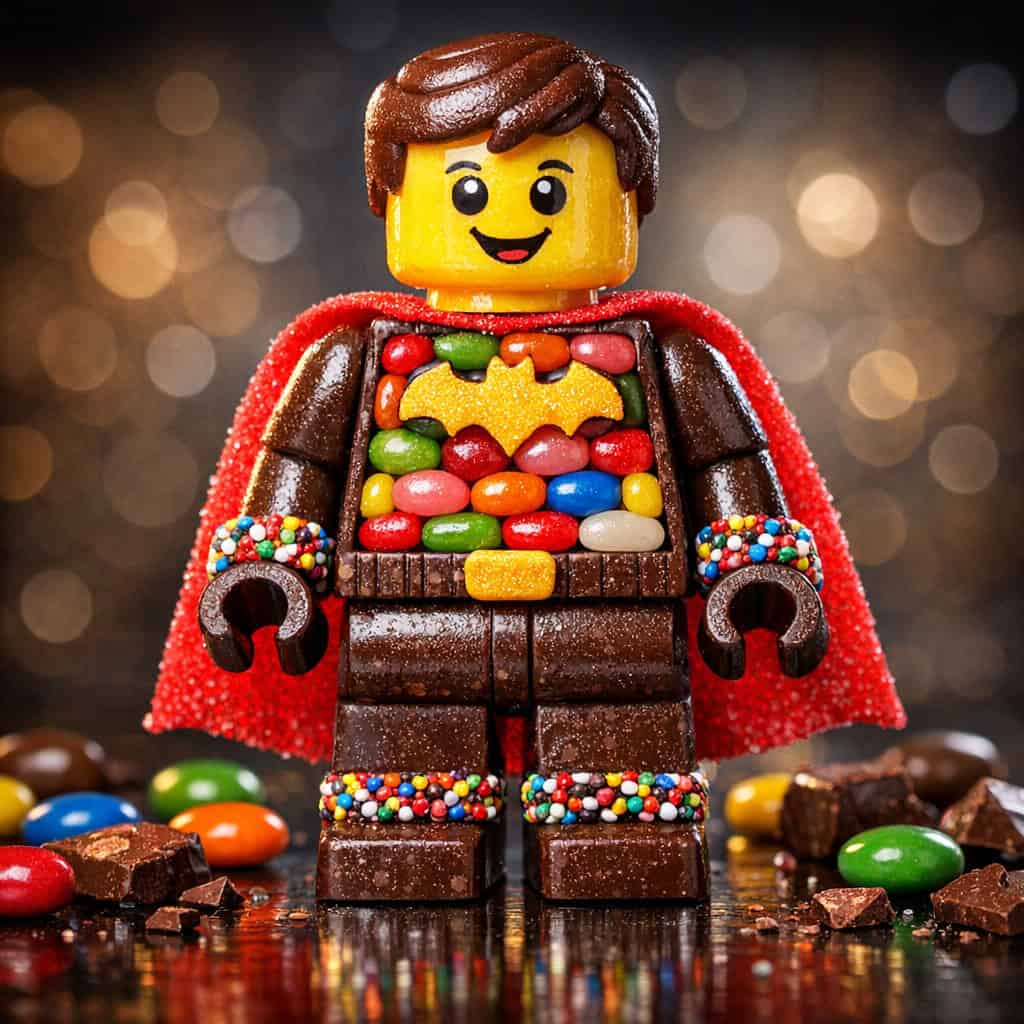
Variation 2: The Jelly Bean Super Hero
[SUBJECT]: Heroic caped crusader
[CANDY_MATERIAL]: Assorted jelly beans and sour belts
[HEAD_TEXTURE]: Yellow hard candy shell with chocolate hair
[BODY_DETAILS]: A mosaic of colorful jelly beans embedded in a chocolate frame
[LIMB_TEXTURE]: Chocolate blocks with sprinkle cuffs
[SCATTERED_SWEETS]: M&Ms and broken chocolate pieces
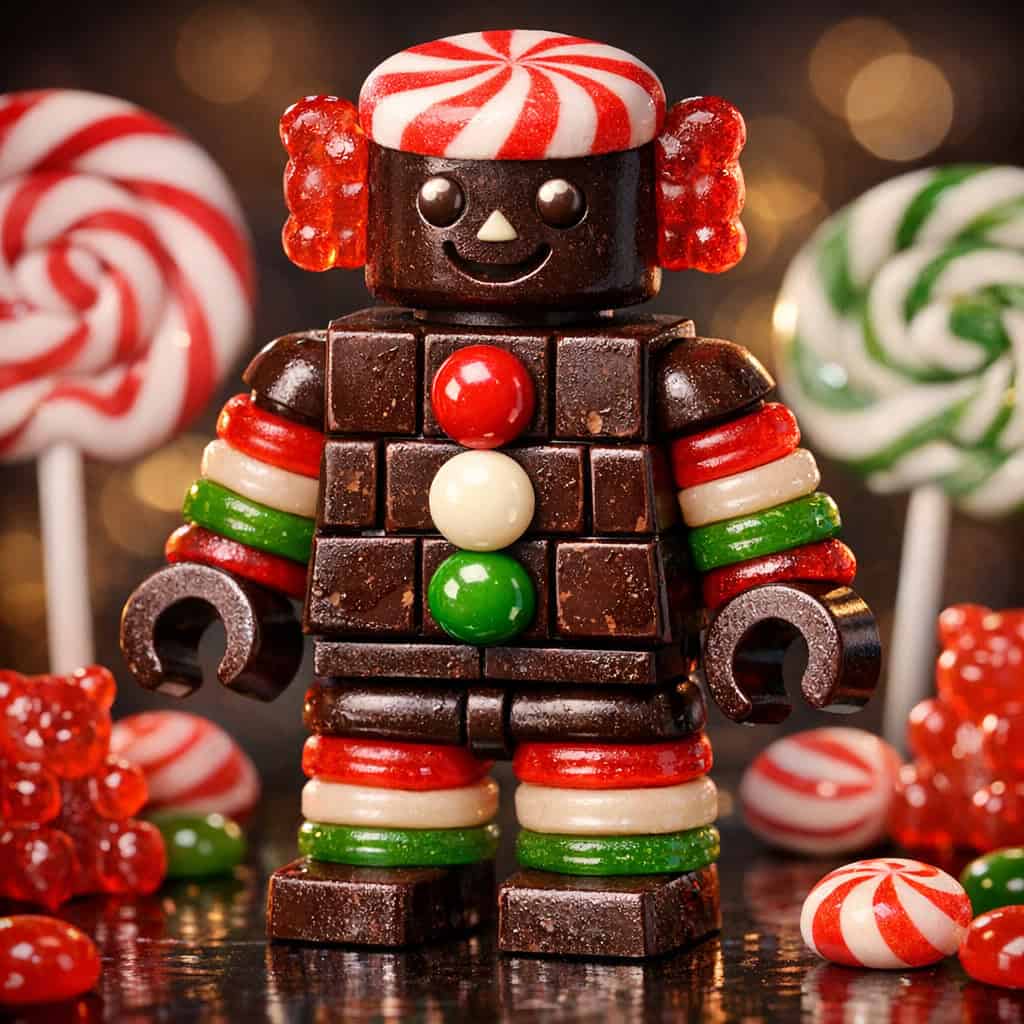
Variation 3: The Chocolate Mint Robot
[SUBJECT]: Retro robot figure
[CANDY_MATERIAL]: Dark chocolate and peppermint candies
[HEAD_TEXTURE]: Peppermint swirl candy top with a chocolate face and gummy bear ears
[BODY_DETAILS]: Dark chocolate square slab with M&M buttons
[LIMB_TEXTURE]: Rainbow licorice rings
[SCATTERED_SWEETS]: Lollipops and gummy bears
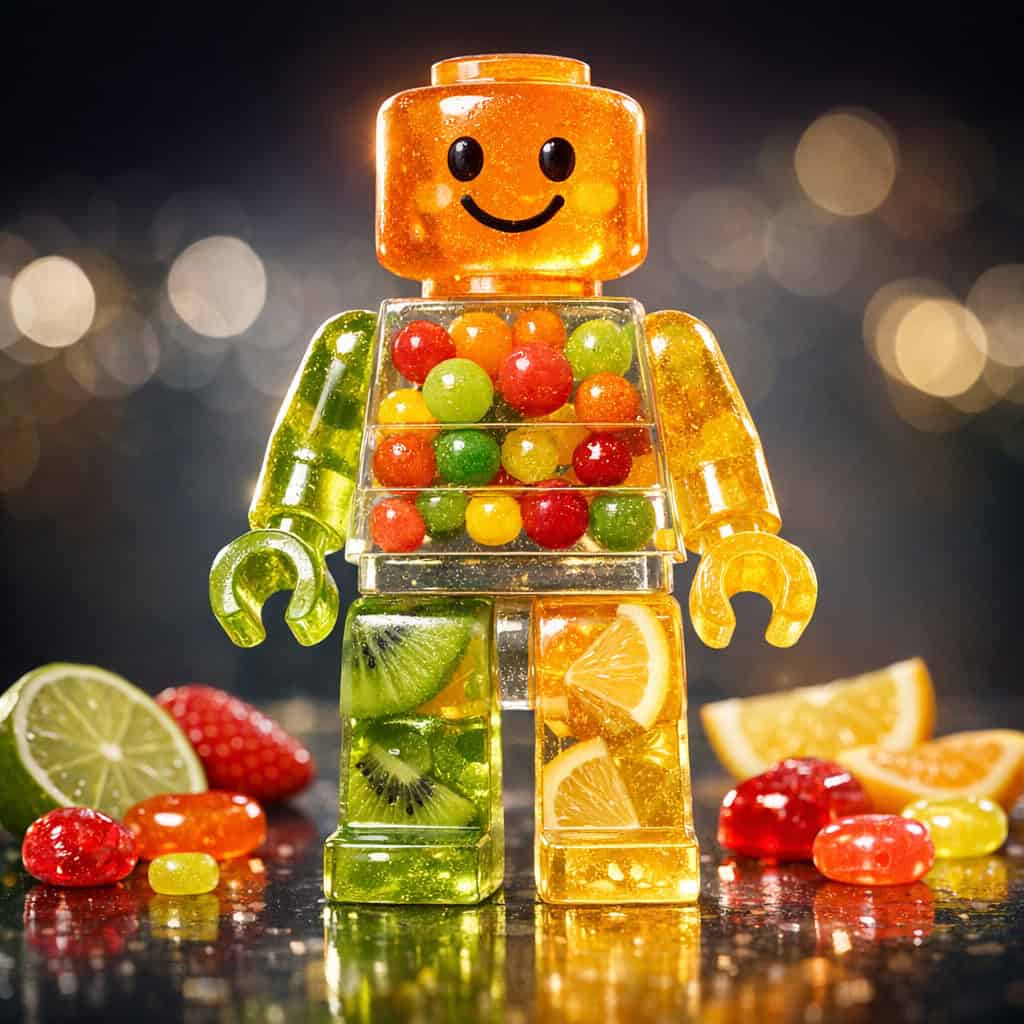
Variation 4: The Translucent Gummy Guy
[SUBJECT]: Friendly mascot character
[CANDY_MATERIAL]: Clear gelatin and fruit inclusions
[HEAD_TEXTURE]: Translucent orange gummy material, glowing with light passing through
[BODY_DETAILS]: Clear resin-like gummy torso filled with smaller colored candy balls inside
[LIMB_TEXTURE]: See-through lime and lemon gummy blocks
[SCATTERED_SWEETS]: Fruit slices and hard candies
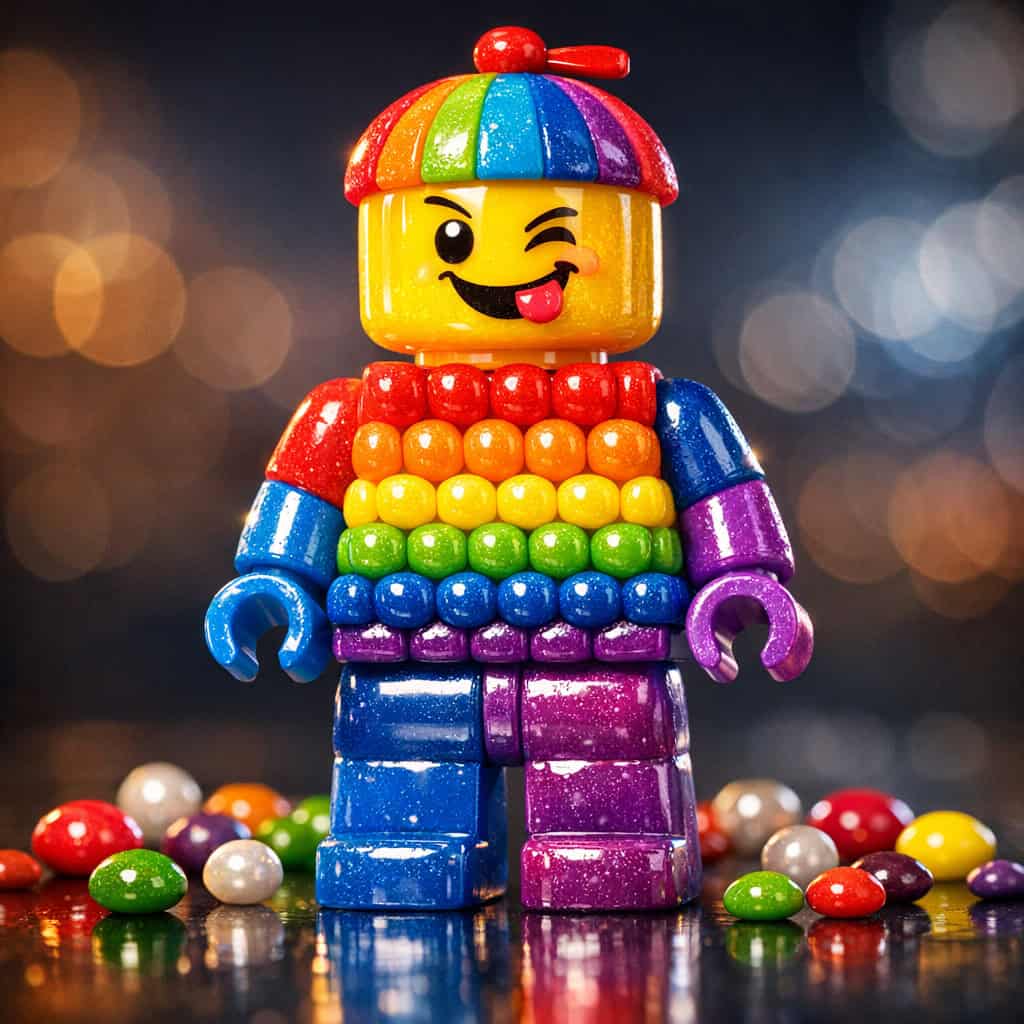
Variation 5: The Rainbow Skittle Kid
[SUBJECT]: Mischievous kid character
[CANDY_MATERIAL]: Hard shell candy and rainbow sweets
[HEAD_TEXTURE]: Glossy yellow hard candy with a rainbow beanie
[BODY_DETAILS]: Rows of bubble-shaped hard candies in a rainbow gradient
[LIMB_TEXTURE]: Shiny blue and purple hard candy shells
[SCATTERED_SWEETS]: Skittles and pearl candies
🤖 ChatGPT Meta-Prompt (To Generate Infinite Variations)
If you want to feed a prompt into ChatGPT or Gemini so that it can generate endless new ideas for you using this exact formula, copy and paste this command into the AI:
Customization Tips
- Framing Control: Even with the “wide-shot” instruction, using a vertical aspect ratio (like 2:3 or 9:16) significantly increases the chances of getting the full body in the frame compared to a square or landscape ratio.
- Lighting: Since we are zooming out, ensure your lighting is distinct. Use “Rim lighting” to separate the figure from the background so the candy edges don’t blend into the environment.
- Background: Keep the background simple (e.g., “solid studio background” or “smooth gradient”) to ensure the intricate details of the candy figure stand out.
Recommended Settings
- Aspect Ratio: 1:1 (Square) creates the best focus for character portraits.
- Steps: 40-50 steps (Critical for rendering the small details of sugar crystals when zoomed out).
- CFG Scale: 8.0 – 10.0 (Higher adherence needed to enforce the specific candy types).
- Samplers: DPM++ 2M Karras (Sharpest results for 3D textures).
- Midjourney: Use
--ar 2:3and--stylize 200to balance composition and texture.
Disclaimer: Please note that images generated by AI tools may vary slightly depending on the specific algorithm, model version, and prompt interpretation used by each platform. As a result, using the same prompt across different AI image generators may produce different variations of the desired image. Each AI generator processes inputs uniquely, leading to diverse artistic outcomes. This prompt can be used with any image generation platform or tool.