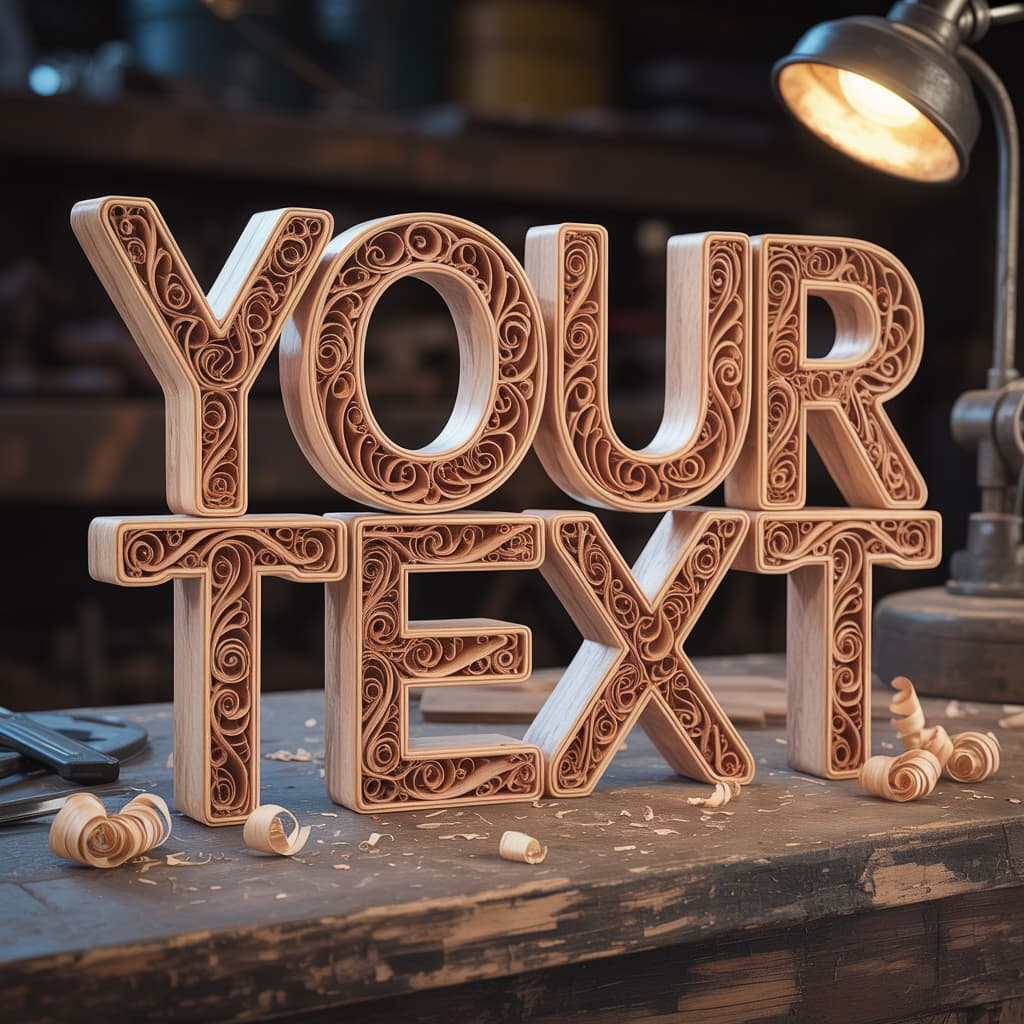
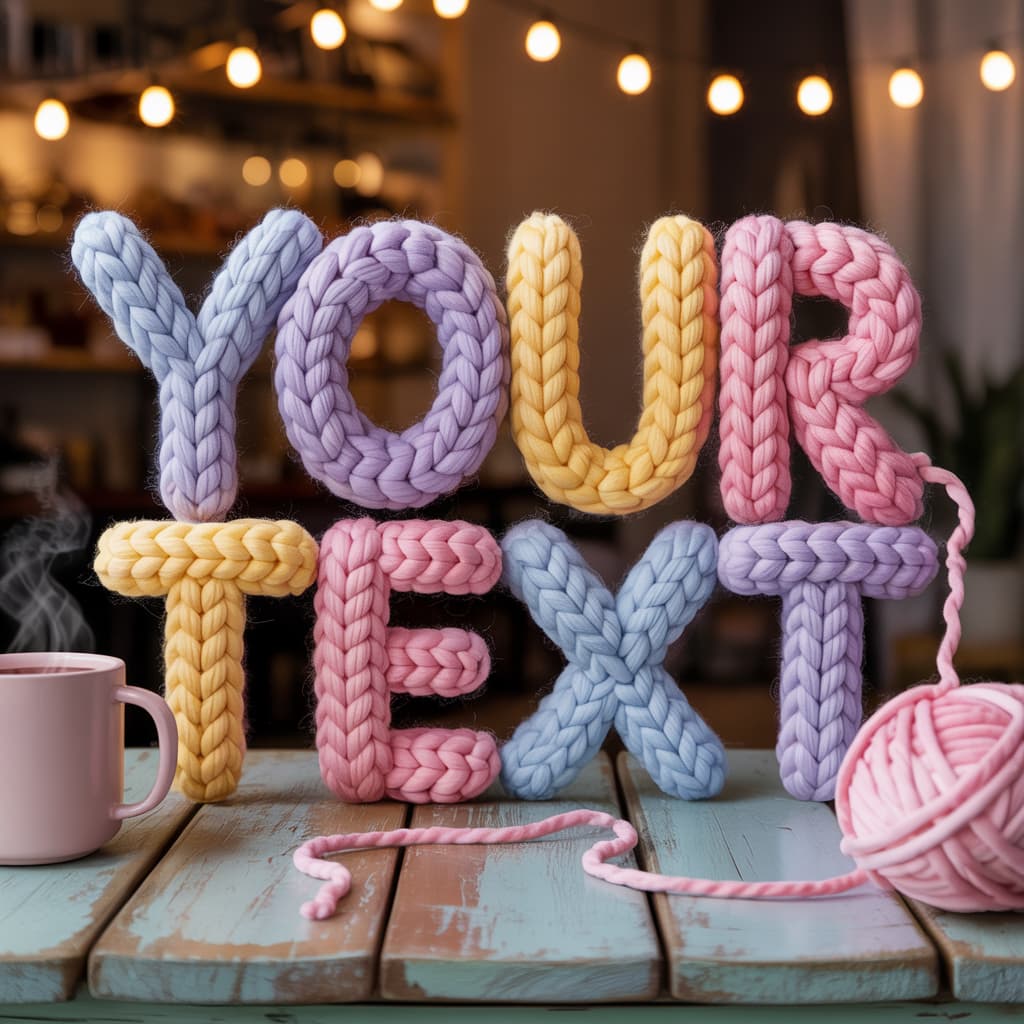
There is something incredibly comforting about the tactile look of wool felt crafts. When you combine that cozy aesthetic with uplifting messages, you get a visual hug that instantly brightens up any social media feed or digital gallery. This art style mimics the painstaking craft of needle felting, capturing every stray fiber, soft shadow, and fuzzy texture in stunning detail. It is perfect for creating greeting cards, motivational posts, or just bringing a little extra warmth to your creative projects.
Whether you want to design a cheerful little sun or a wise woodland creature, capturing the precise lighting and material texture is the key to making these characters pop. The soft studio lighting and macro photography feel give these generated miniatures a lifelike quality that feels right at home on a crafter workbench. Read on to discover exactly how to replicate this heartwarming style for your own projects. Note: The showcase images displayed here were generated using GPT Image 1.5 High Fidelity to demonstrate the prompt’s intricate capabilities.
Note: The showcase images displayed here were generated using GPT Image 1.5 High Fidelity to demonstrate the prompt's intricate capabilities.
Copy and paste this base prompt into your generator, replacing the bracketed sections with your desired concepts:
Use this to prevent unwanted styles, artifacts, or digital qualities that ruin the image:
Variations (Dynamic Variables)
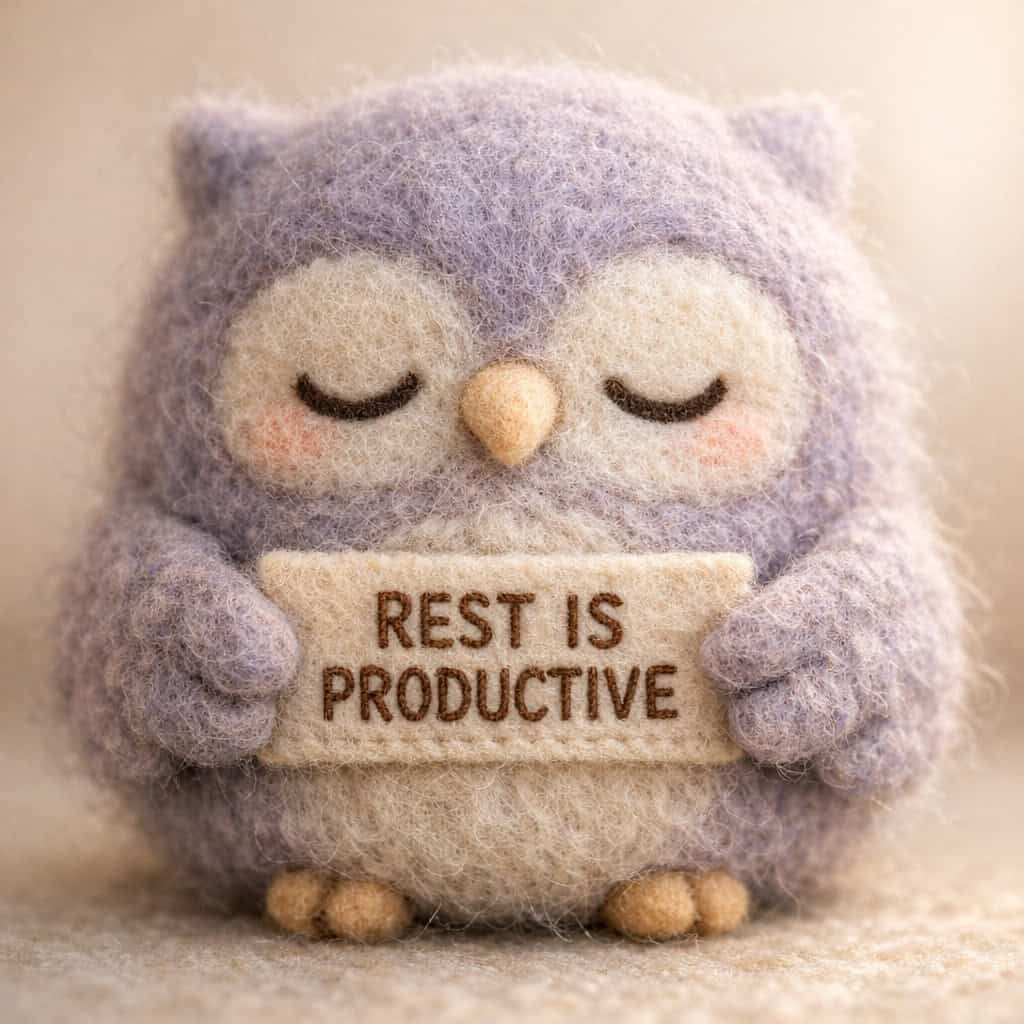
Variation 1: The Sleepy Owl
[SUBJECT]: chubby sleeping owl with tiny wings
[AFFIRMATION_TEXT]: REST IS PRODUCTIVE
[PRIMARY_COLOR]: muted lavender and warm grey
[SETTING]: smooth soft beige studio backdrop
[LIGHTING]: gentle morning window light
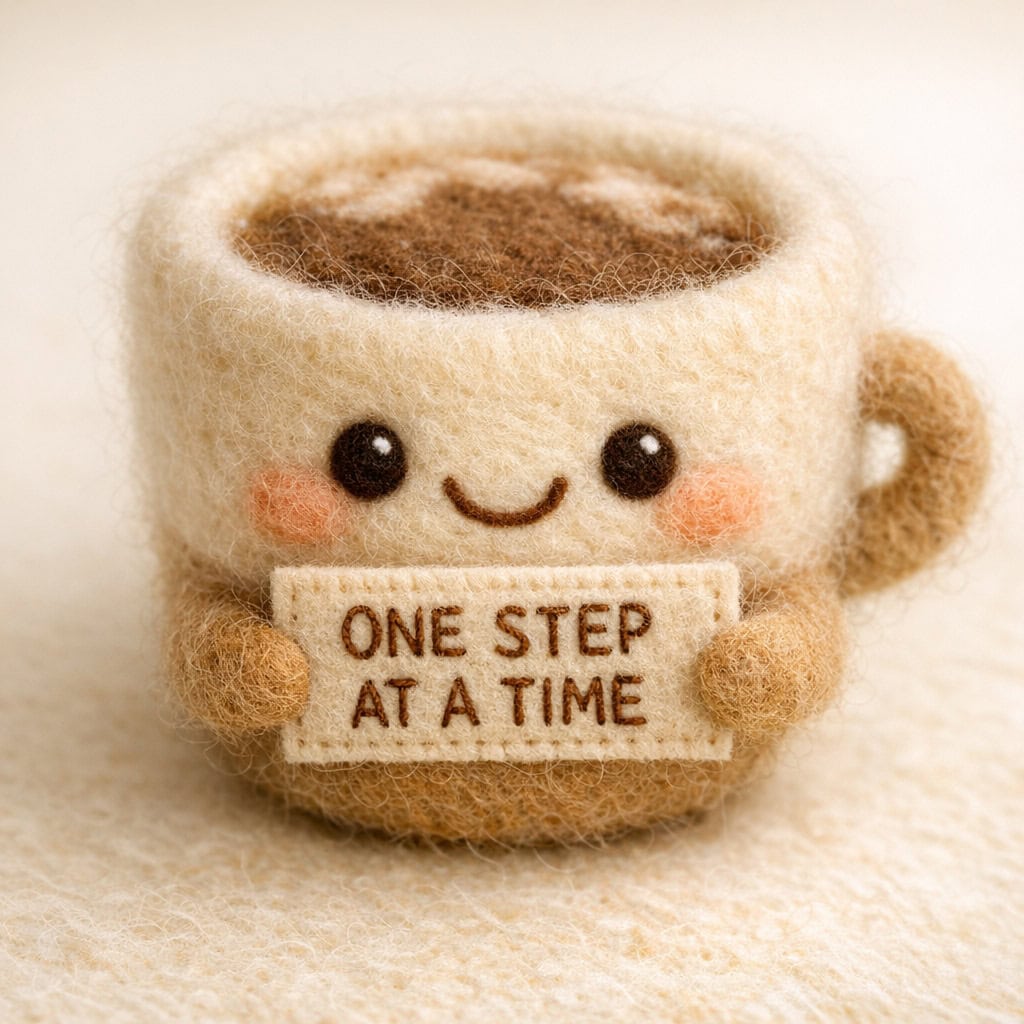
Variation 2: The Cheerful Coffee Cup
[SUBJECT]: smiling coffee cup with a tiny handle
[AFFIRMATION_TEXT]: ONE STEP AT A TIME
[PRIMARY_COLOR]: warm mocha and cream
[SETTING]: seamless warm ivory tabletop
[LIGHTING]: soft diffuse studio lighting
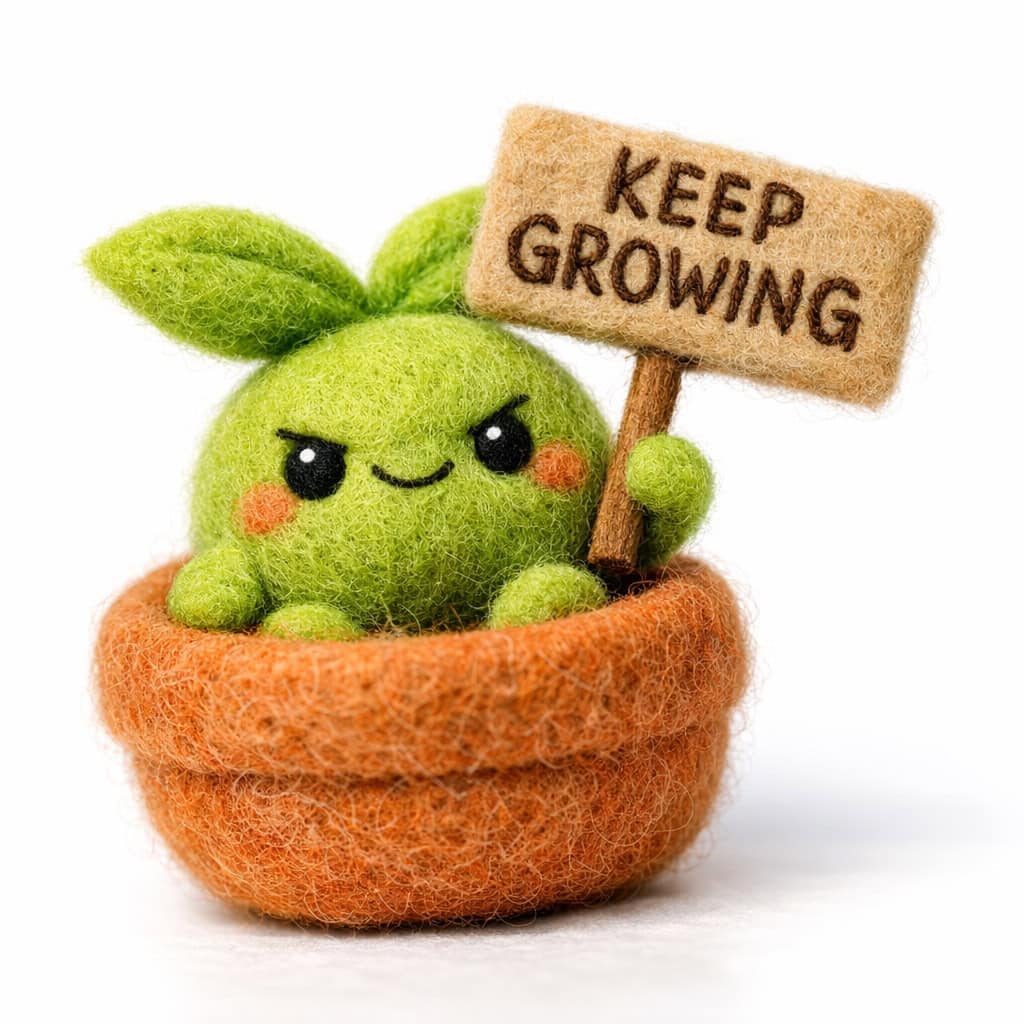
Variation 3: The Little Sprout
[SUBJECT]: tiny green seedling in a round terracotta pot
[AFFIRMATION_TEXT]: KEEP GROWING
[PRIMARY_COLOR]: vibrant leaf green and terracotta orange
[SETTING]: pure white clean seamless background
[LIGHTING]: bright soft box illumination
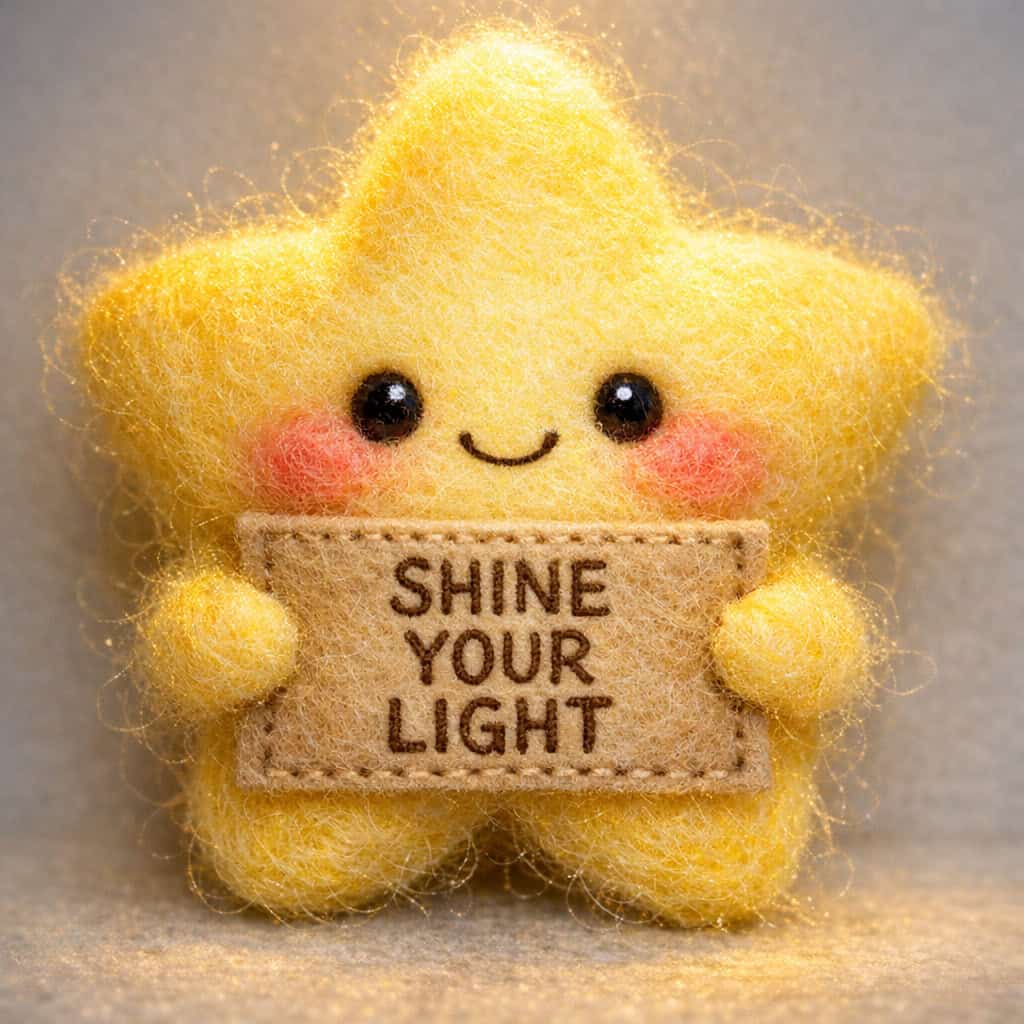
Variation 4: The Starry Night
[SUBJECT]: glowing yellow star with blushing cheeks
[AFFIRMATION_TEXT]: SHINE YOUR LIGHT
[PRIMARY_COLOR]: bright yellow and soft gold
[SETTING]: light pastel grey smooth surface
[LIGHTING]: warm overhead spotlight
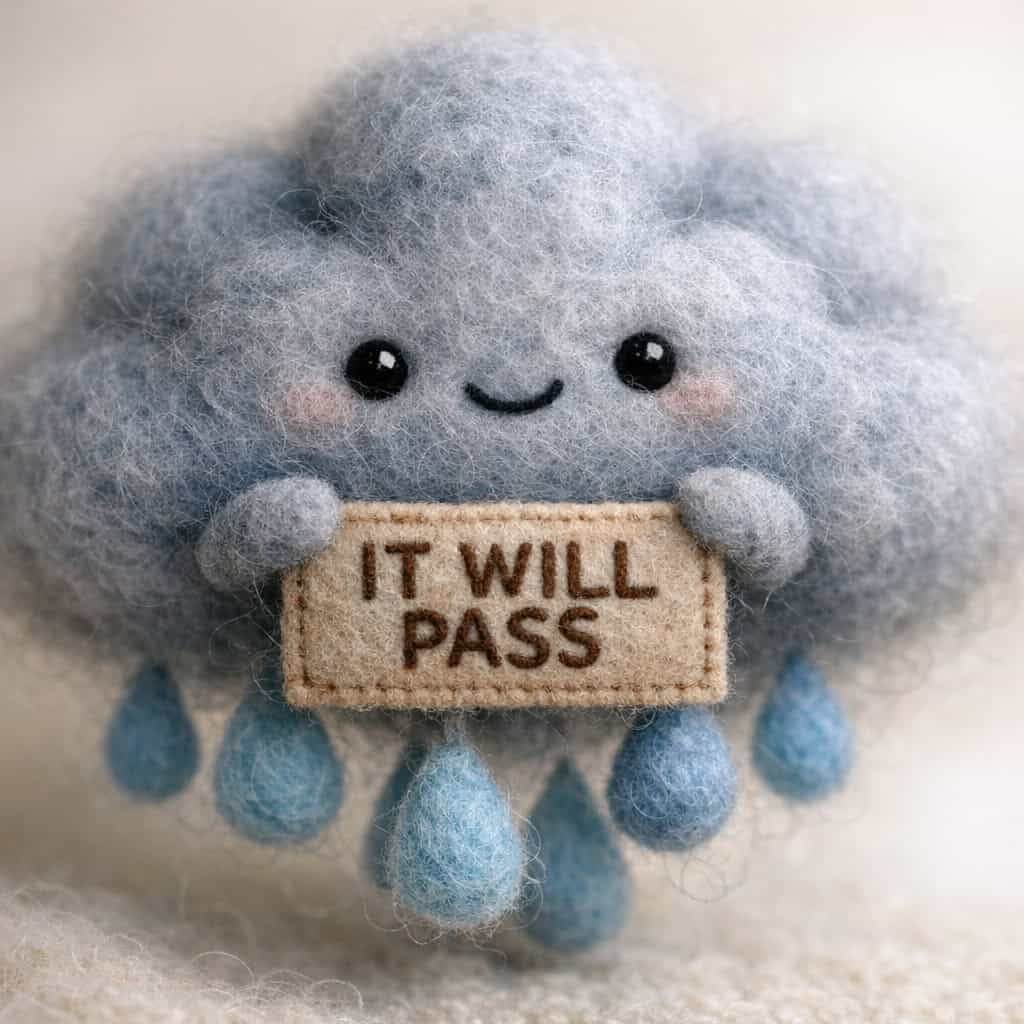
Variation 5: The Rain Cloud
[SUBJECT]: fluffy grey rain cloud with tiny blue raindrops
[AFFIRMATION_TEXT]: IT WILL PASS
[PRIMARY_COLOR]: soft storm grey and pastel blue
[SETTING]: warm neutral cream background
[LIGHTING]: soft diffused natural lighting
🤖 Meta-Prompt (To Generate Infinite Variations)
If you want to feed a prompt into ChatGPT or Gemini so that it can generate endless new ideas for you using this exact formula, copy and paste this command into the AI:
Customization Tips
- To change the mood of the image, experiment with different times of day in the lighting variable, such as golden hour or soft moonlight.
- Keep your affirmation text short and simple to ensure the AI text generation remains crisp, legible, and perfectly aligned on the felt sign.
- Adjust the primary color to match specific seasonal themes, like pastel colors for spring or rich earthy tones for autumn.
- Add specific details to the subject like tiny scarves, hats, or blushing cheeks to make the characters feel even more personalized and endearing.
Recommended Settings
- Aspect Ratio: 1:1 for social media or 4:5 for vertical portraits perfectly suited for mobile viewing.
- Steps: 30 to 40 steps to allow the AI to fully render the intricate fuzzy wool textures and tactile details.
- CFG Scale: 6 to 8 to balance prompt accuracy with creative freedom.
- Samplers: Euler A or DPM++ 2M Karras work exceptionally well for capturing the soft lighting and macro photography feel.
- Midjourney Stylize: Set between 100 and 200 to keep the focus on realistic textures without losing the whimsical nature of the characters.
Disclaimer: Please note that images generated by AI tools may vary slightly depending on the specific algorithm, model version, and prompt interpretation used by each platform. As a result, using the same prompt across different AI image generators may produce different variations of the desired image. Each AI generator processes inputs uniquely, leading to diverse artistic outcomes. This prompt can be used with any image generation platform or tool.